
Installment Program Payments on myBeaufortCounty
Now make installment payments on myBeaufortCounty! To learn more or to sign-up for the Installment Payment Program, visit the official Beaufort County Treasurer's website for frequently asked questions and to submit your application.
After completing enrollment, sign into myBeaufortCounty (see Create a Profile on myBeaufortCounty) and locate your property account (see Add a Property on myBeaufortCounty) then follow the steps below to complete your installment payment:
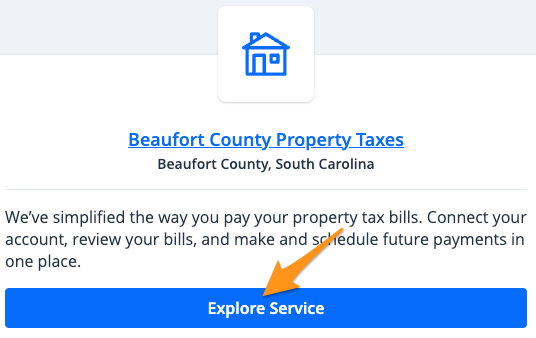
- Click Explore Service
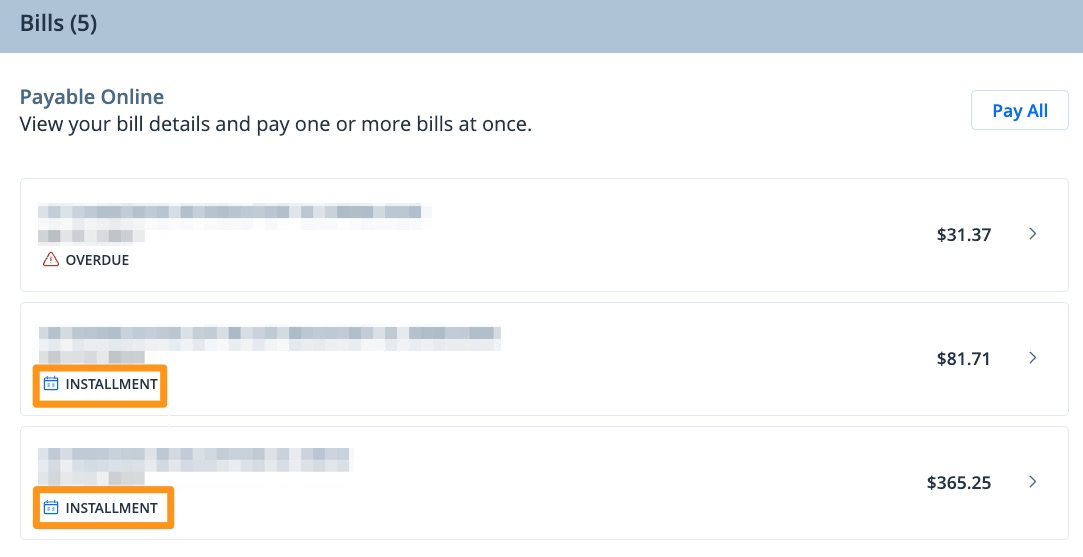
- Select the installment bill you wish to pay
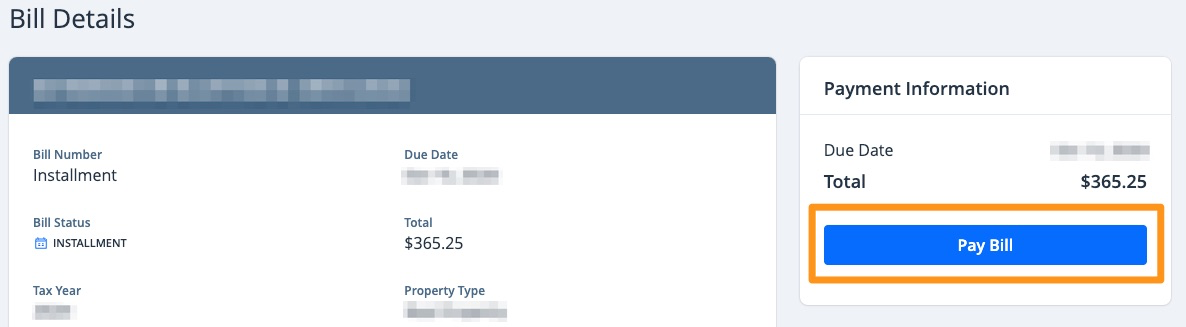
- Click Pay Bill
- Click Yes

- Enter your "Contact Information" and click Submit
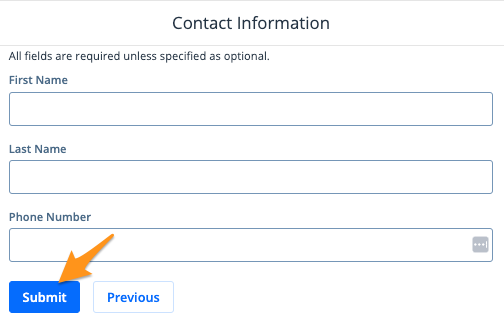
Note: This does not have to be the person to whom the property is registered.
- Review the "Installment Payment Summary" & "Suggested Amount Due" then click Yes, add to cart
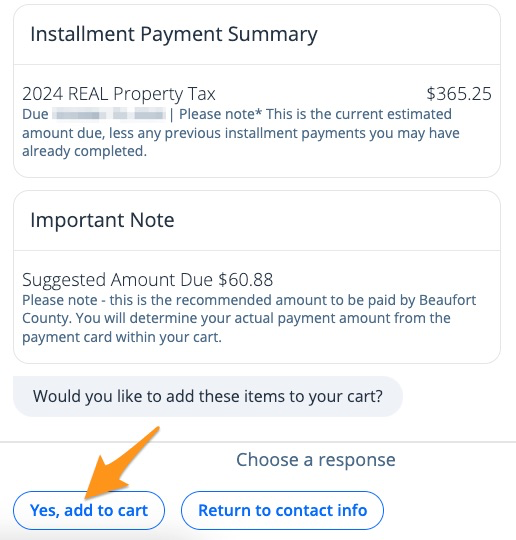
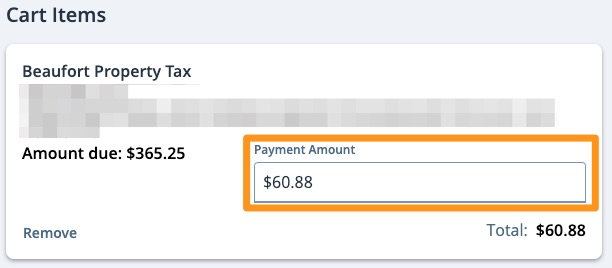
Note: You will have the option to adjust this amount at checkout.
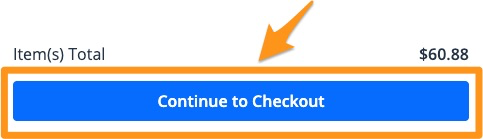
- Click Continue to Checkout
- Confirm or adjust your desired payment amount in the "Payment Amount" field
- Confirm your "Contact Information"
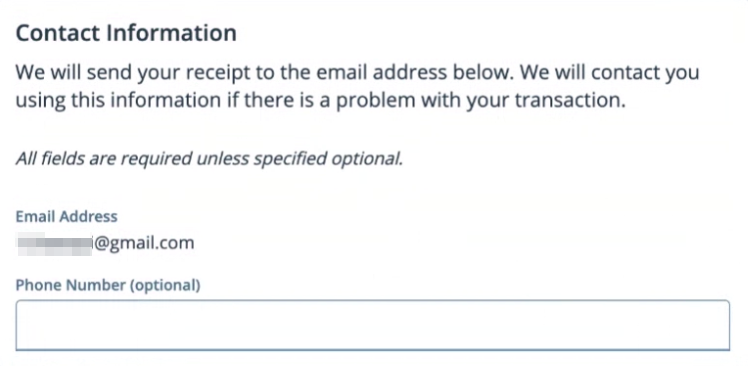
Note: This contact information does not have to be the person to whom the property is registered.
- Select a payment method, select a "Payment Date", then click the blue Pay $--.-- button to complete your payment
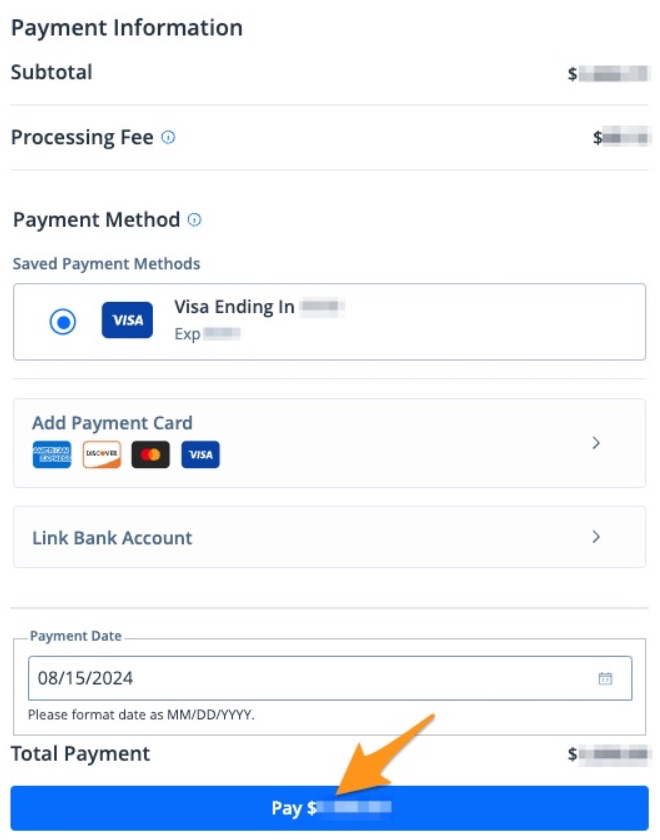
After completing your payment, you will receive an email confirmation. If you are signed into your myBeaufortCounty account, a receipt will also be stored in your profile (see Find a Receipt on myBeaufortCounty).